How do I watch missed programmes on IPTV?
With catch-up, if your provider offers an archive for the channel. In IPTVGenie you choose the programme in the TV guide and tap “Watch from the Beginning”; programmes in the archive carry a small rewind symbol. You restart the current programme in the player with “Watch from the Start” or jump back 5 or 15 minutes.
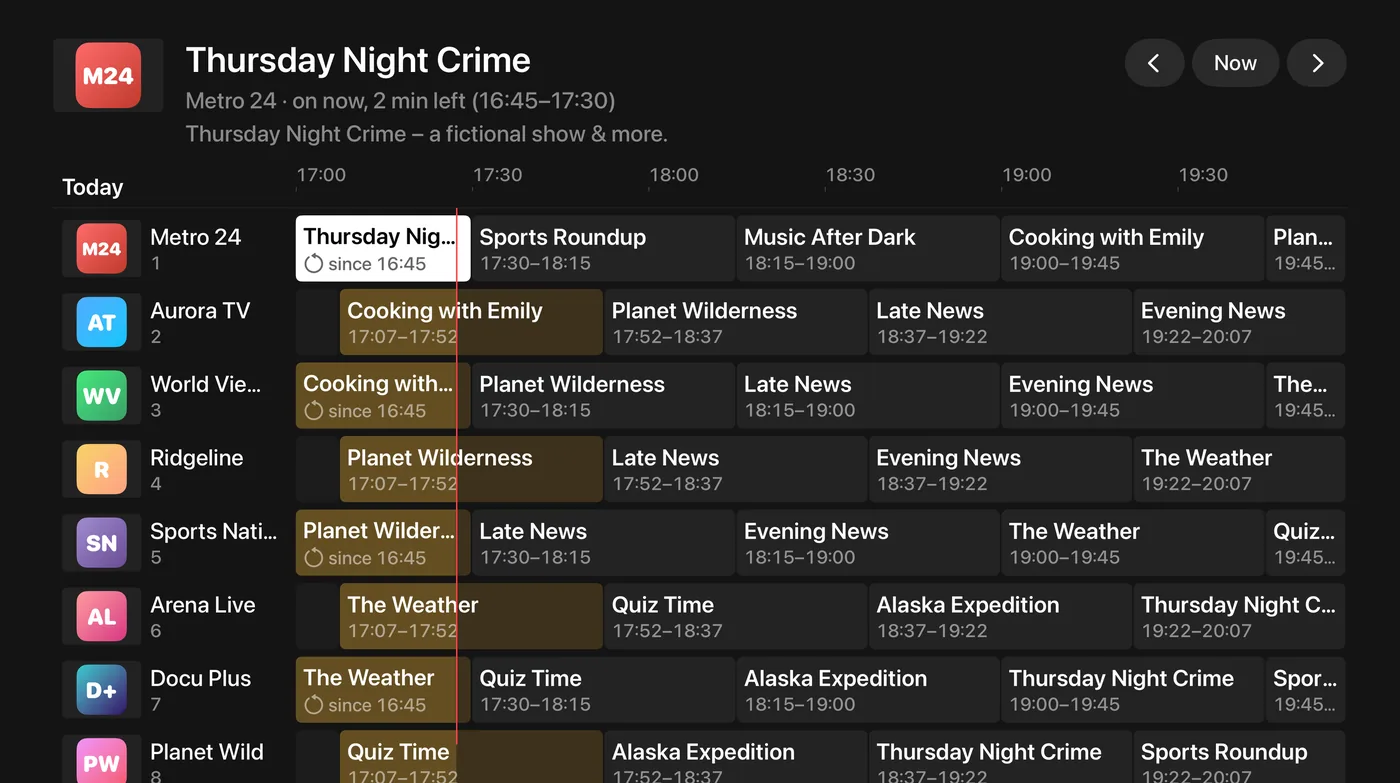
Past programmes in the TV guide
The TV guide shows what was on every channel, up to 24 hours back. Tap a past programme and then “Watch from the Beginning”; on Apple TV it starts straight away with the Select button.
- A rewind symbol before the time shows which programme is in the archive
- In the player you skip forwards and backwards freely
- On the Mac the programme plays in a window of its own
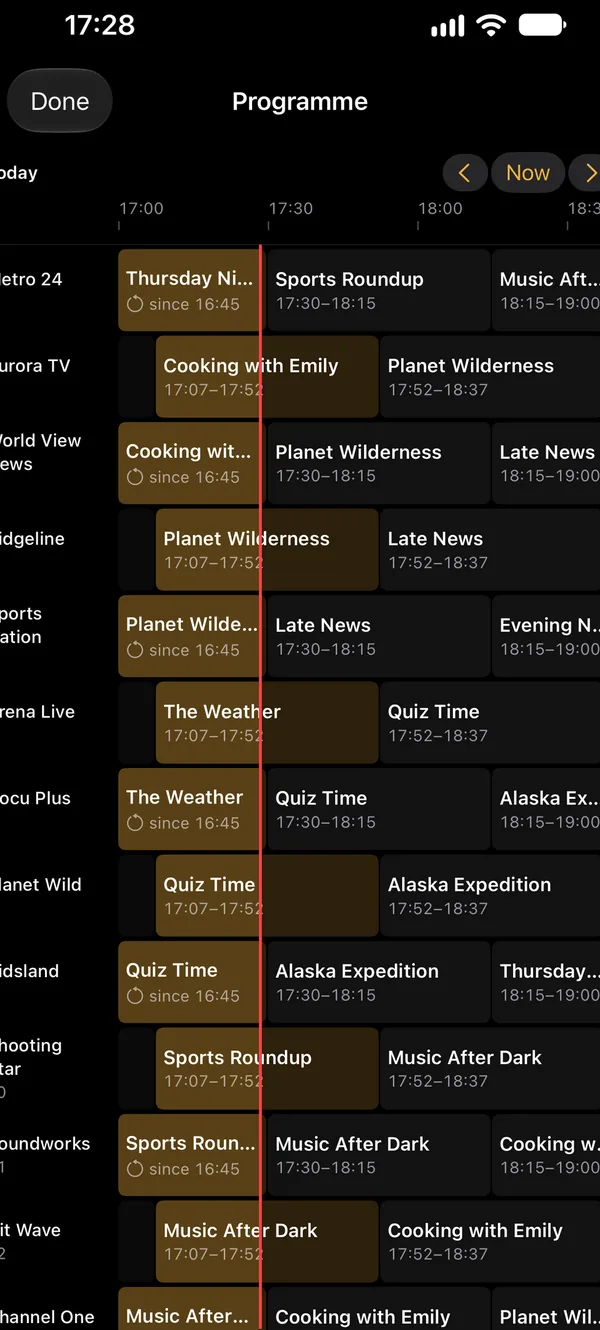
The current programme from the start
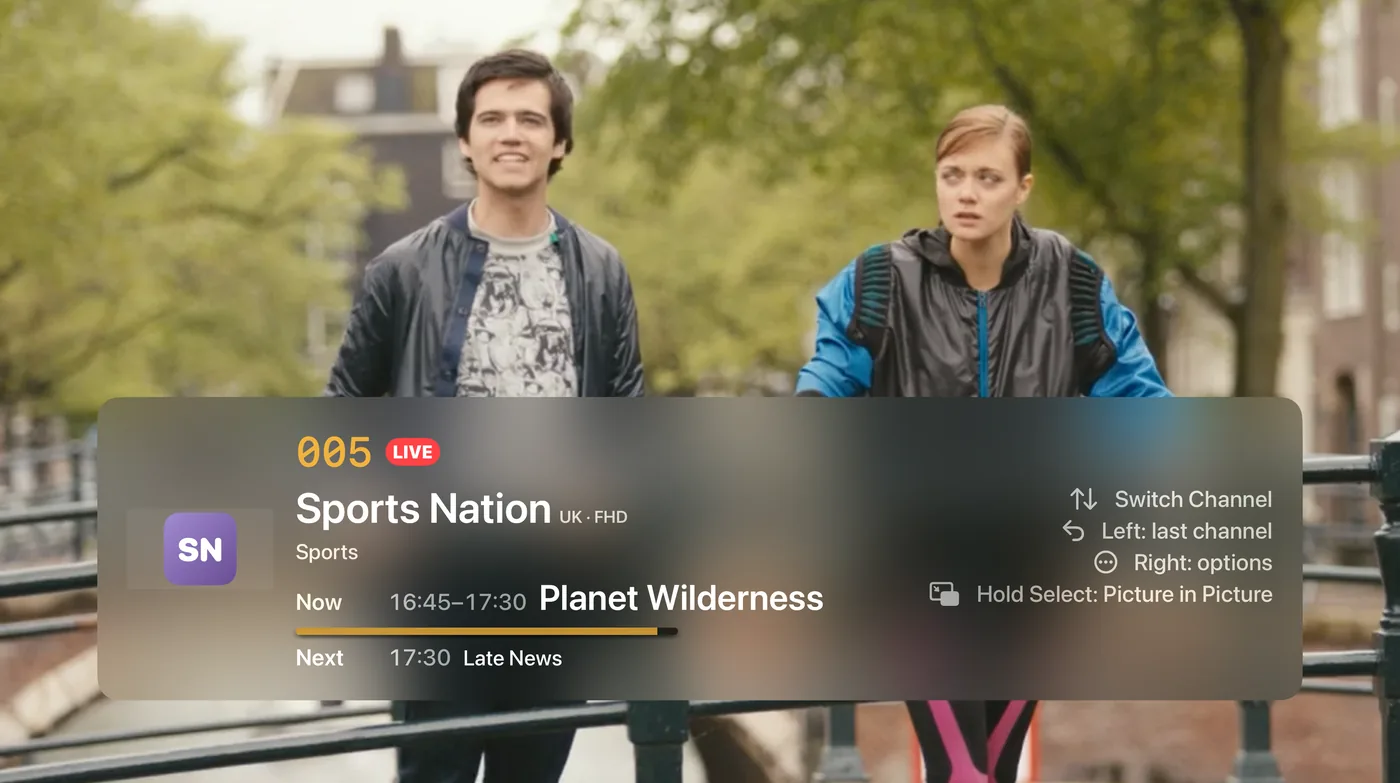
If you come in halfway through a programme, you restart it in the player under “Time-Shifted” with “Watch from the Start” or jump back 5 or 15 minutes. On Apple TV you find this in the options when you swipe right in the playing picture. When you close the programme, you are live again.
Pause without missing anything
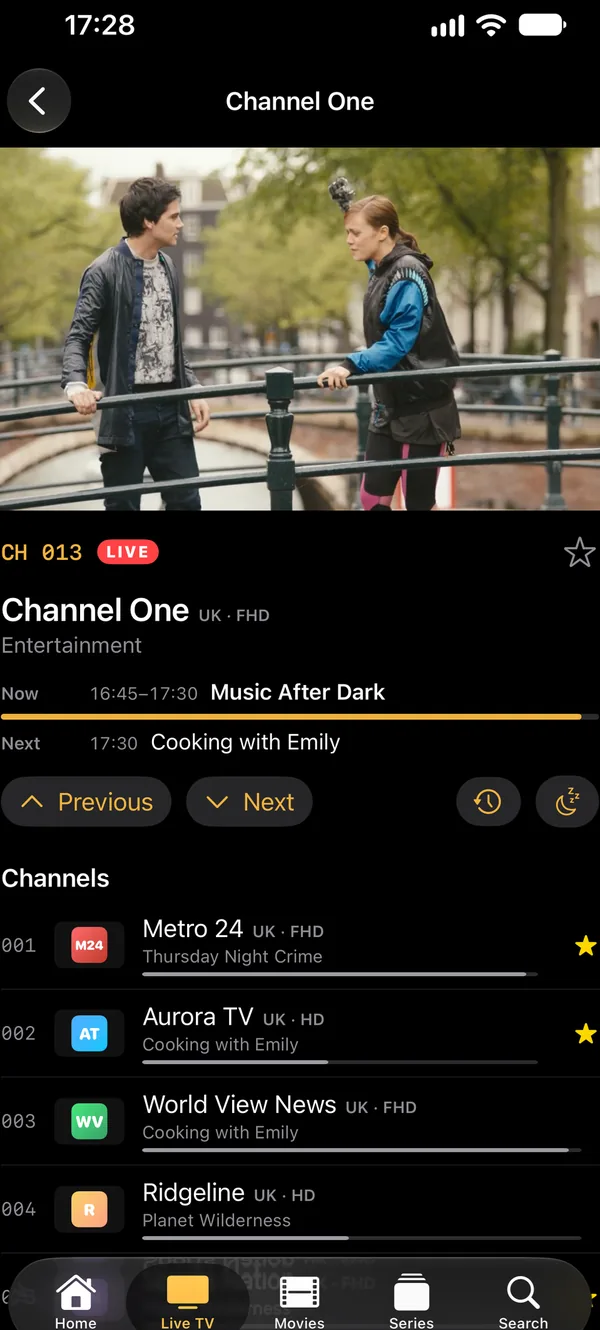
If you pause a channel with an archive for longer than 30 seconds, it then carries on at exactly the same point, from the archive instead of live. So you miss nothing when the doorbell rings.
What your provider has to deliver
| Access | What IPTVGenie reads | How long |
|---|---|---|
| Xtream Codes | The channel’s tv_archive and tv_archive_duration, automatically from the server | As many days as the provider reports |
| M3U playlist | catchup or catchup-type (xc, append, shift, default) with catchup-source | catchup-days, otherwise tvg-rec or timeshift; 7 days if nothing is given |
How to start a missed programme
- Open the TV guide.
- Scroll back on your channel to the programme; the rewind symbol shows that it is in the archive.
- Tap the programme and then “Watch from the Beginning”, or simply press the Select button on Apple TV.
- Skip forwards and backwards in the player as you like.
Tips for catch-up
No rewind symbol?
Then your provider offers no archive for this channel, or the playlist does not say so.
Guide out of step?
If the times in the TV guide are wrong, set the time offset; otherwise the archive starts at the wrong point.
Archive with VLC
IPTVGenie always plays programmes from the archive with the built-in VLC player.
Frequently asked questions
Why can’t I watch past programmes?
Catch-up depends on your provider alone. It has to keep a channel’s programmes and say so in the playlist or the Xtream login. If that is missing, IPTVGenie shows neither the rewind symbol nor “Watch from the Start”. Ask your provider which channels it offers an archive for, and for how long.
How far back can I rewind?
As far as your provider keeps the programmes, usually a few days. In the IPTVGenie TV guide you scroll back up to 24 hours. In the current programme you jump to its beginning or back 5 and 15 minutes, as long as that moment still belongs to the programme.
Does catch-up work with an M3U playlist?
Yes, if the playlist says so. For every channel, IPTVGenie reads catchup or catchup-type with the types xc, append, shift and default, as well as catchup-source and catchup-days. With Xtream Codes logins the archive comes automatically from the server, and you do not need to set anything.
Try it with your own playlist
Download on the App StoreTry everything free for 30 days, with no subscription and no payment details.For iPhone and iPad with iOS 18 or later, Apple TV with tvOS 18 or later and Mac with macOS 14.2 or later.