What is Xtream Codes?
Xtream Codes is a widely used interface of IPTV servers. Instead of a long playlist you sign in with a server address, username and password; the app then fetches live TV, movies, series and the TV guide (EPG) from the server separately. IPTVGenie supports Xtream Codes on every Apple device.
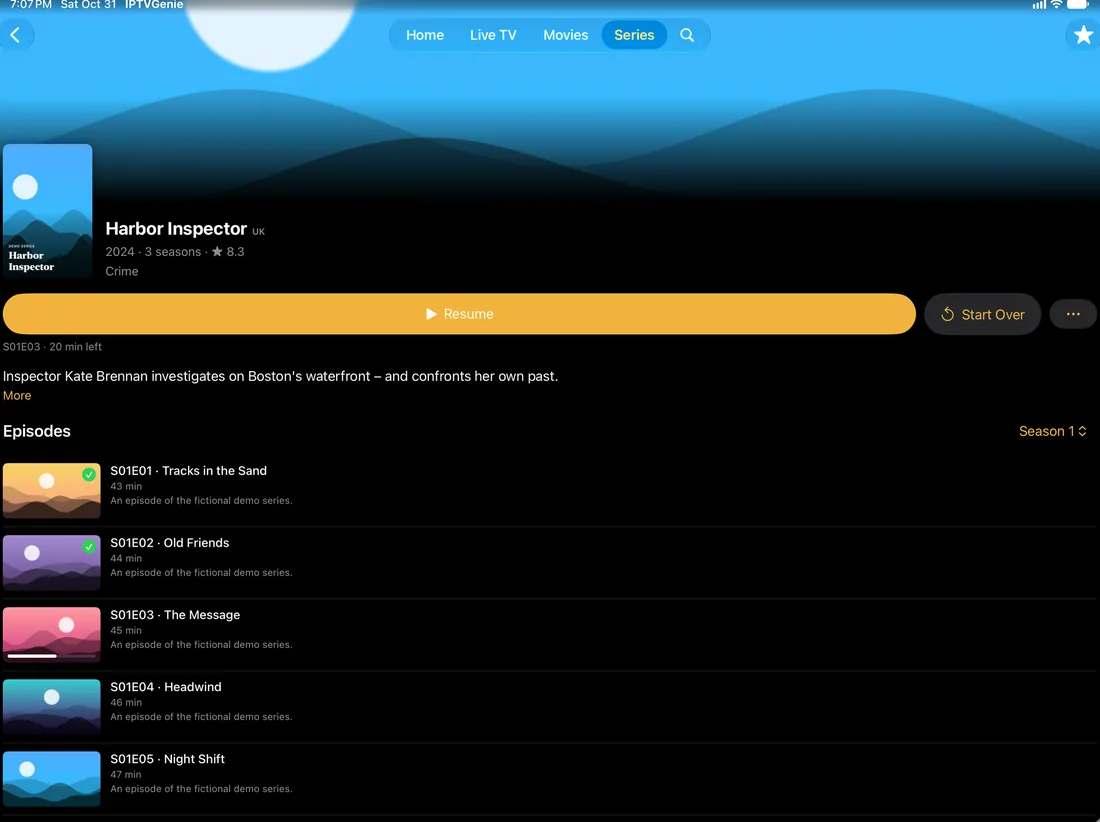
Movies and series like a streaming library
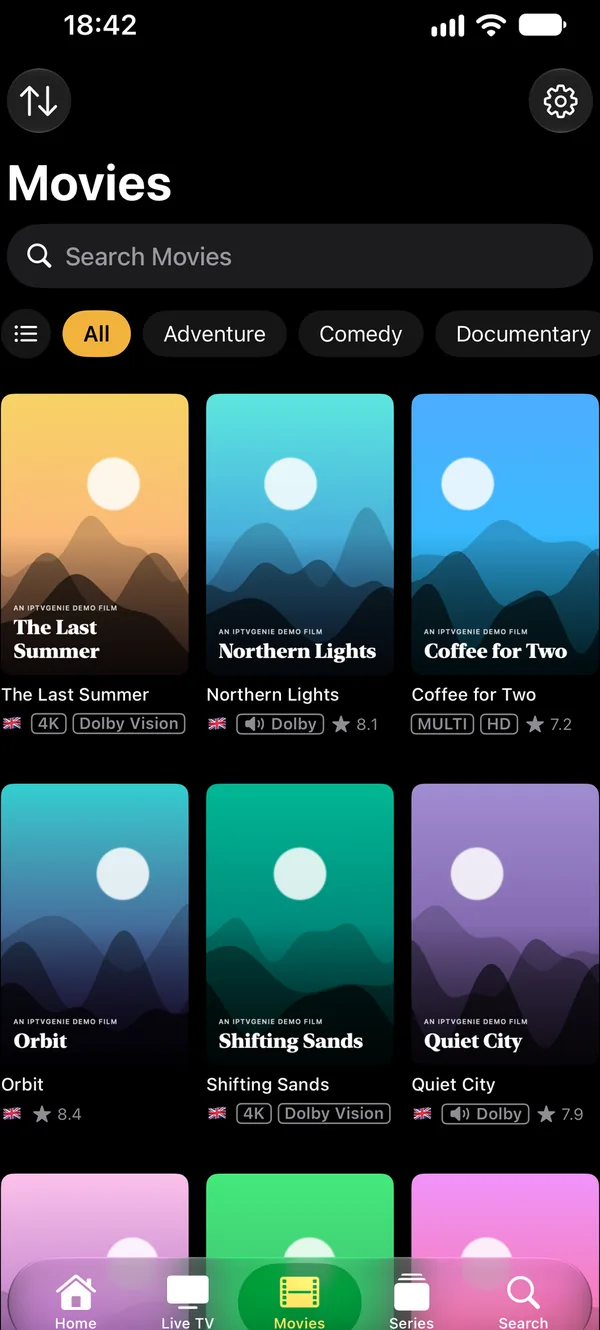
The movies and series (VOD) of your Xtream login, with posters, categories and descriptions, series by season and episode.
- Continue Watching: pick up exactly where you stopped, on any device
- The next episode starts by itself if you like
- Tidy titles: provider codes become a flag, 4K, HDR, Dolby, rating and year
- With your own TMDB key: descriptions, artwork, cast and trailers
Live TV with EPG and catch-up
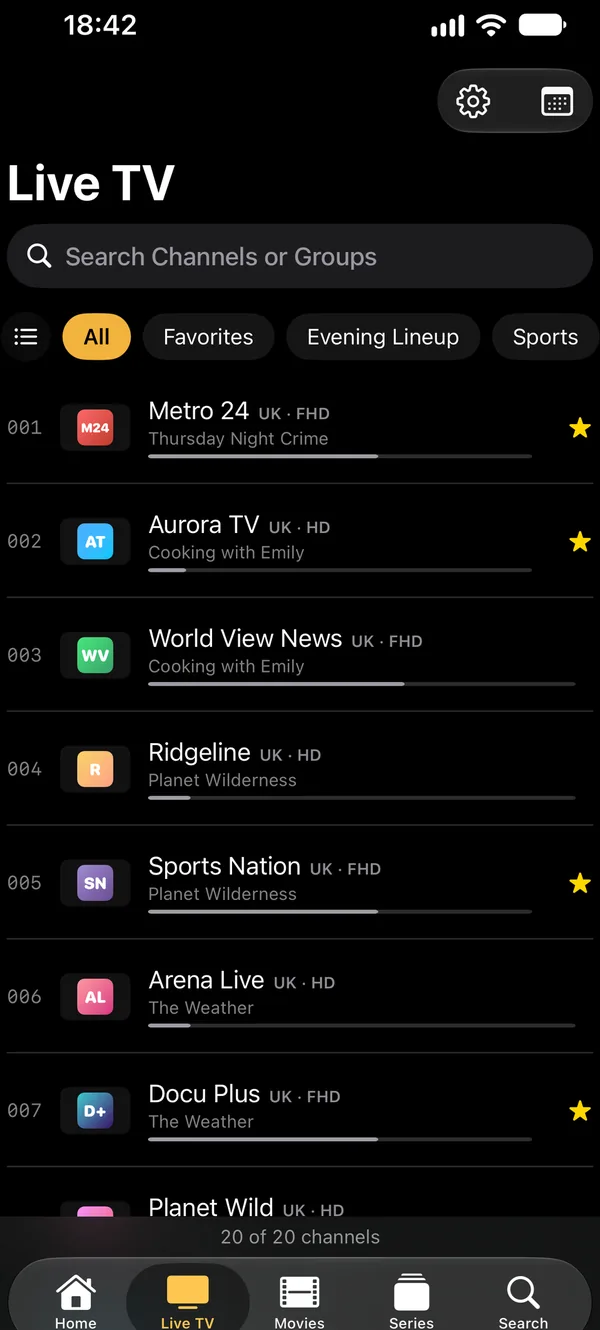
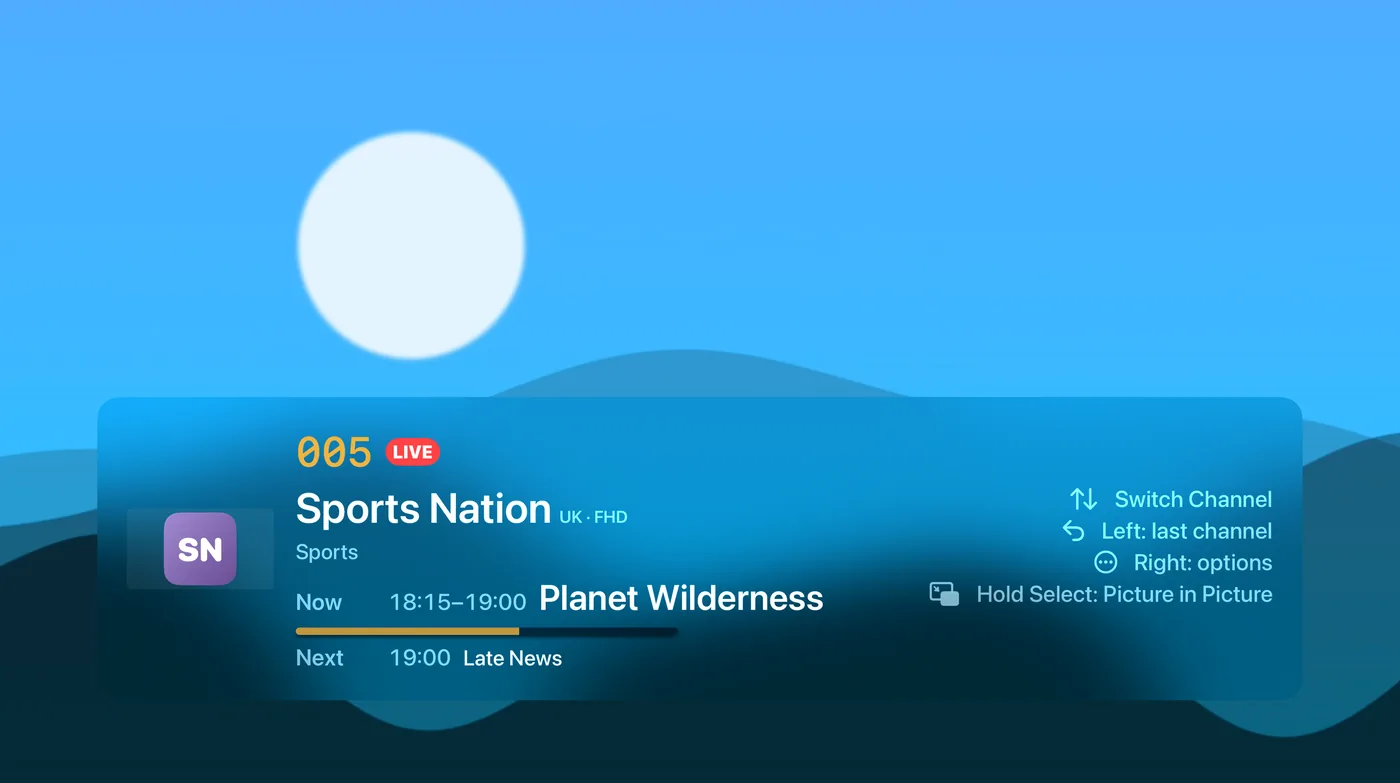
The channels of your login with logos and groups; the EPG comes straight from the Xtream server. If your provider keeps an archive, watch missed shows later.
- “Now” and “Next” in the channel list
- Multiview with up to four channels
- Reminders before a show starts
Kind to your login
Many Xtream logins allow only one connection. IPTVGenie warns you before another of your devices drops out because of it, and you decide how often the app checks in with your provider.
- Several logins as playlists of their own
- A custom User-Agent per login
M3U or Xtream Codes: the difference
| M3U / M3U8 | Xtream Codes | |
|---|---|---|
| What you enter | A link or a file | Server, username, password |
| Live TV | Yes | Yes |
| Movies and series (VOD) | Only as entries of the list | Yes, with posters, categories and seasons |
| TV guide (EPG) | Via url-tvg in the list or an XMLTV address of your own | From the provider, plus XMLTV addresses of your own |
| Catch-up | Yes, when the list carries archive attributes (catchup) | Yes, when the provider keeps an archive |
| Updates | The list is reloaded | The app checks with your provider as often as you like |
How to enter your Xtream Codes login
- Open IPTVGenie and tap “Add Playlist”.
- Choose “Xtream” and enter the server address (with the port if your provider gives one), username and password.
- Save: live TV, movies and series appear as sections of their own, and the EPG comes from your provider.
- With iCloud the login is then on your other devices too.
When signing in does not work
Server address
Enter the address exactly as your provider gives it, with http:// or https:// and the port (for example :8080).
Login expired?
If the server refuses the sign-in, the login has often expired or been blocked at the provider. Ask them.
M3U as a fallback
Many providers hand out an M3U link along with the Xtream login; you can add that instead.
Frequently asked questions
What is the difference between Xtream Codes and M3U?
An M3U link is a list of streams. An Xtream login signs in to your provider’s server, so IPTVGenie fetches live TV, movies, series and the EPG separately, with posters, seasons and catch-up. If your provider offers both, Xtream is usually the better choice; the table above shows the differences.
Where do I find my Xtream Codes login?
Your IPTV provider sends you the server address, username and password, usually by email after ordering or in your account area. If your M3U link contains “username=” and “password=”, those are the same details; the beginning up to and including the port, such as http://server.example:8080, is the server address.
Where is my login stored?
On your devices and, if you use iCloud, in your own iCloud storage, which we cannot access. We never receive it. Links of channels, movies and series can be neither copied nor shared in IPTVGenie, because they may contain your login. You can switch iCloud sync off per device in Settings.
Can I use several Xtream logins?
Yes. Every login is a playlist of its own in IPTVGenie, with its own User-Agent and its own TV guide time offset, and you switch with one tap. That way a sports package can sit next to your main login. Through iCloud all your logins are ready on your other devices too.
Does Xtream Codes work on Apple TV too?
Yes. Enter the login on your iPhone and it reaches the Apple TV through iCloud or a QR code, or enter it right there with the remote. On the TV you then get live TV with the EPG grid, movies and series with posters and seasons, and what you watched last in the Top Shelf.
Try it with your own playlist
Download on the App StoreTry everything free for 30 days, with no subscription and no payment details.For iPhone and iPad with iOS 18 or later, Apple TV with tvOS 18 or later and Mac with macOS 14.2 or later.