What is IPTVGenie?
IPTVGenie is an IPTV player for iPhone, iPad, Mac and Apple TV. It plays your provider’s M3U playlist or Xtream Codes login: live TV with a TV guide (EPG), movies and series. It includes no channels itself, collects no data, and syncs your playlist to all your devices through iCloud.
- 4Apple platforms, one app: iOS, iPadOS, macOS, tvOS
- 30 daysfree trial, no payment details
- up to 4channels at once in multiview
- 6profiles, one of them a kids profile
- 10languages, from English to Arabic
- 0data we collect: no tracking, no ads
M3U, Xtream Codes and EPG
Works with your IPTV subscription
However your provider delivers it, IPTVGenie opens the common IPTV formats and fetches the TV guide to go with them.
M3U and M3U8 playlists
As a link or a file. Logos, groups and channel numbers come from the playlist, and a guide named in url-tvg loads along.
M3U playerXtream Codes
Server, username, password: live TV, movies and series (VOD) arrive separately, with posters, seasons and catch-up.
Xtream Codes appEPG via XMLTV
Your provider’s TV guide or an XMLTV address of your own: “Now” and “Next”, a guide grid and reminders.
Set up the EPGiPhone, iPad, Mac and Apple TV
One IPTV app for all your devices
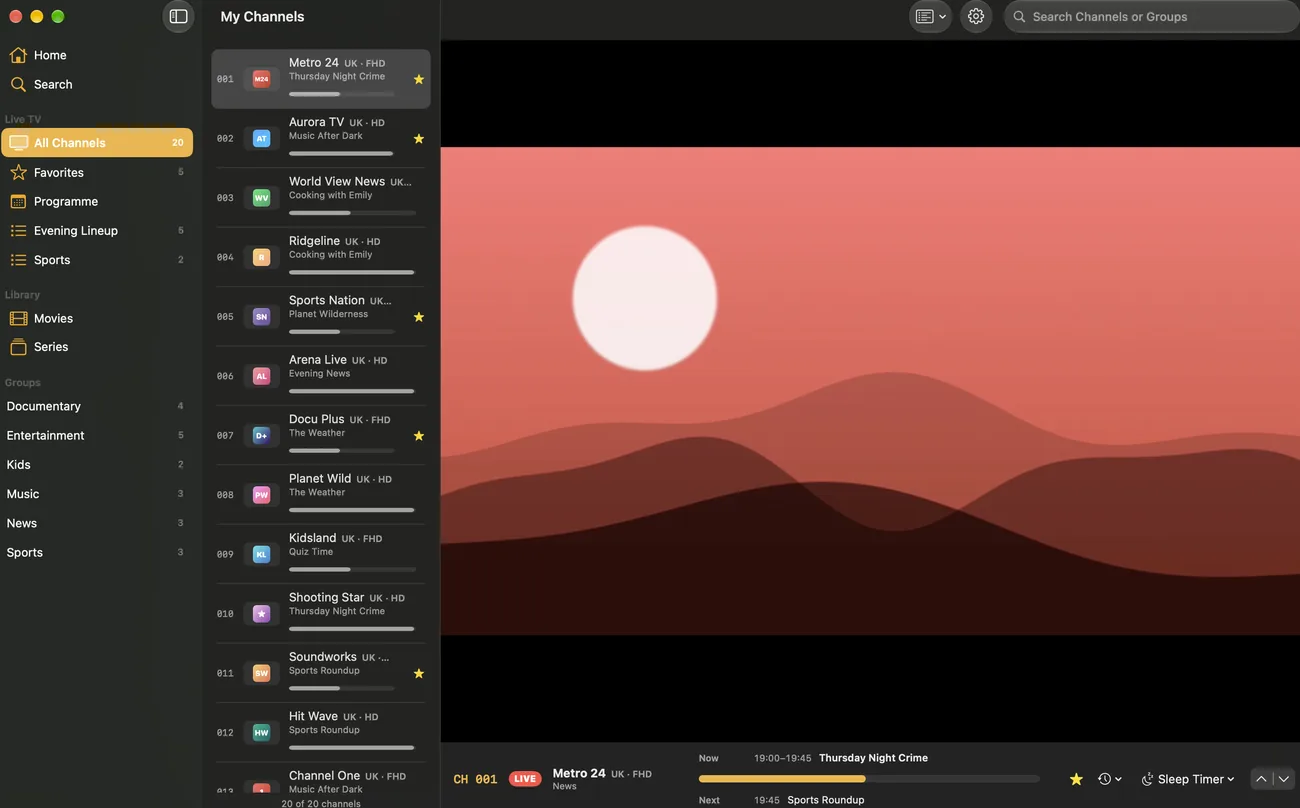
Add your playlist once. With iCloud it is on each of your devices, with favorites, history and settings. Without iCloud, send it from your iPhone to Apple TV with a QR code, and one purchase works everywhere.
Continue here
Pick up on the couch where you left off
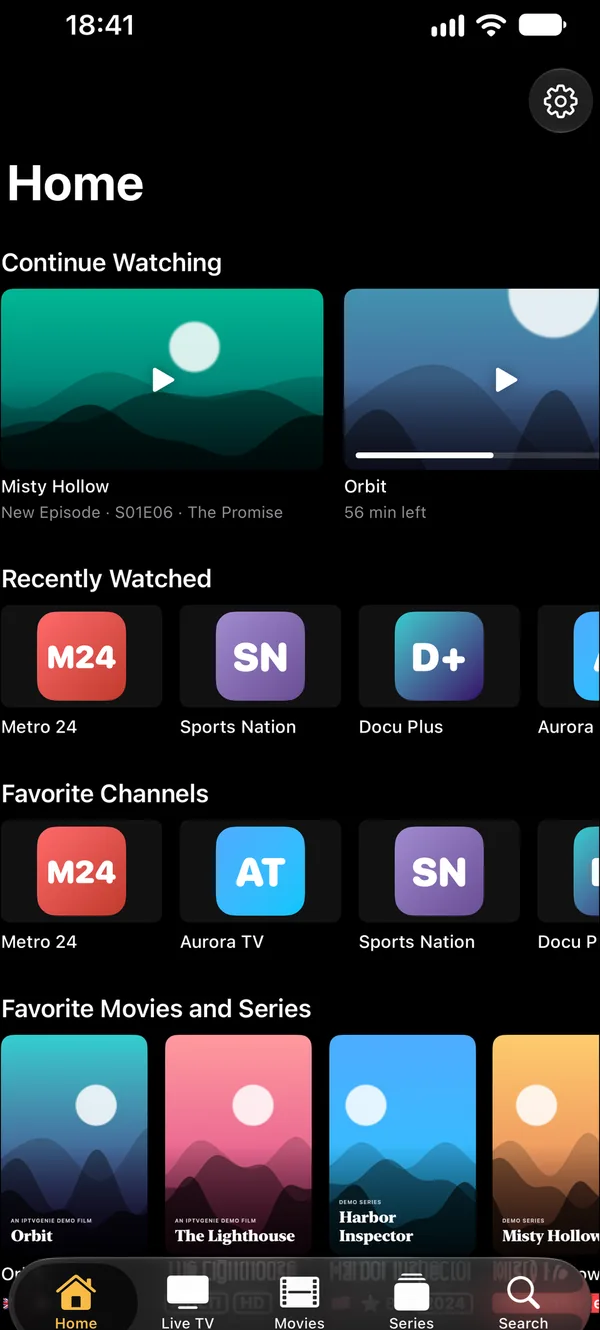
When a channel or movie plays on one of your devices, every other one offers to continue right there. Movies and series carry on at the same moment, without searching.
Features
Everything your IPTV subscription has to offer
IPTVGenie is a player: you bring your playlist, and the app turns it into TV that feels like Apple.
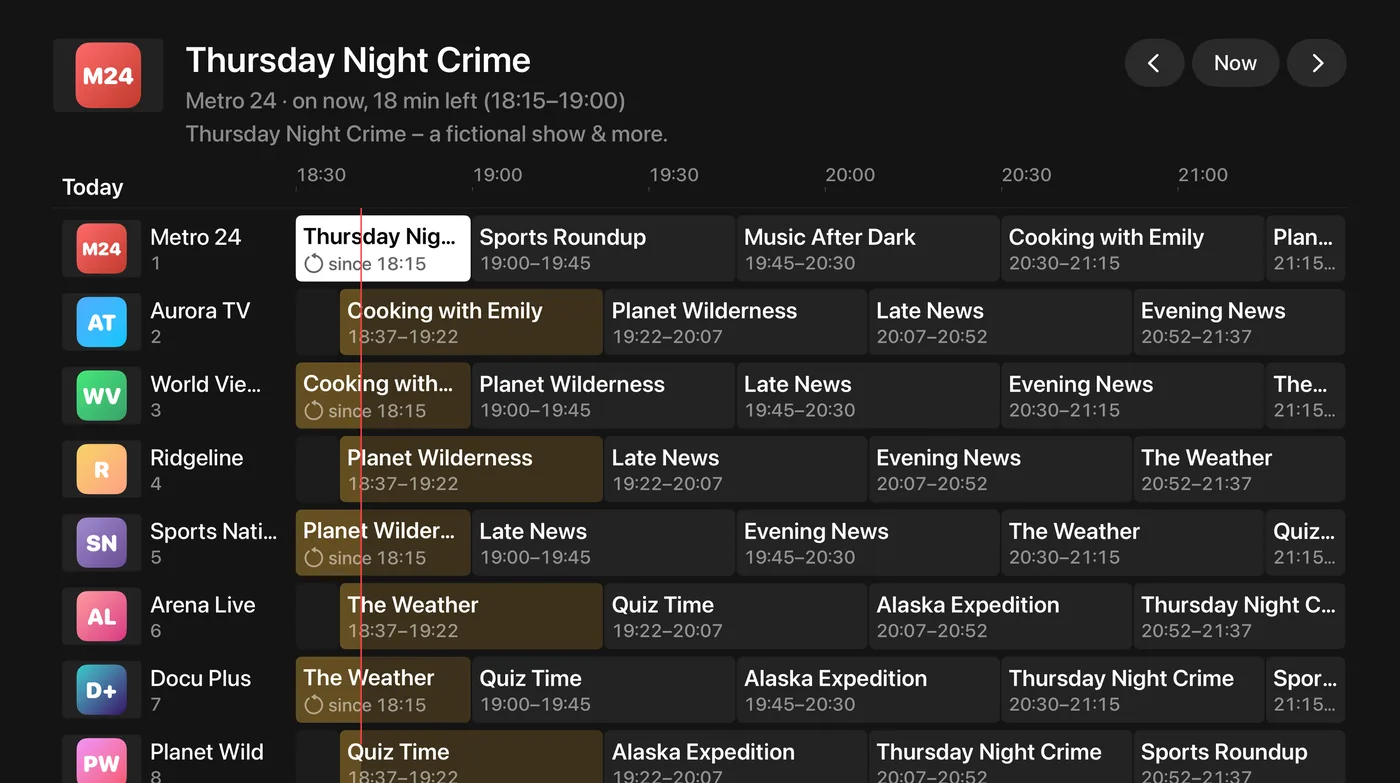
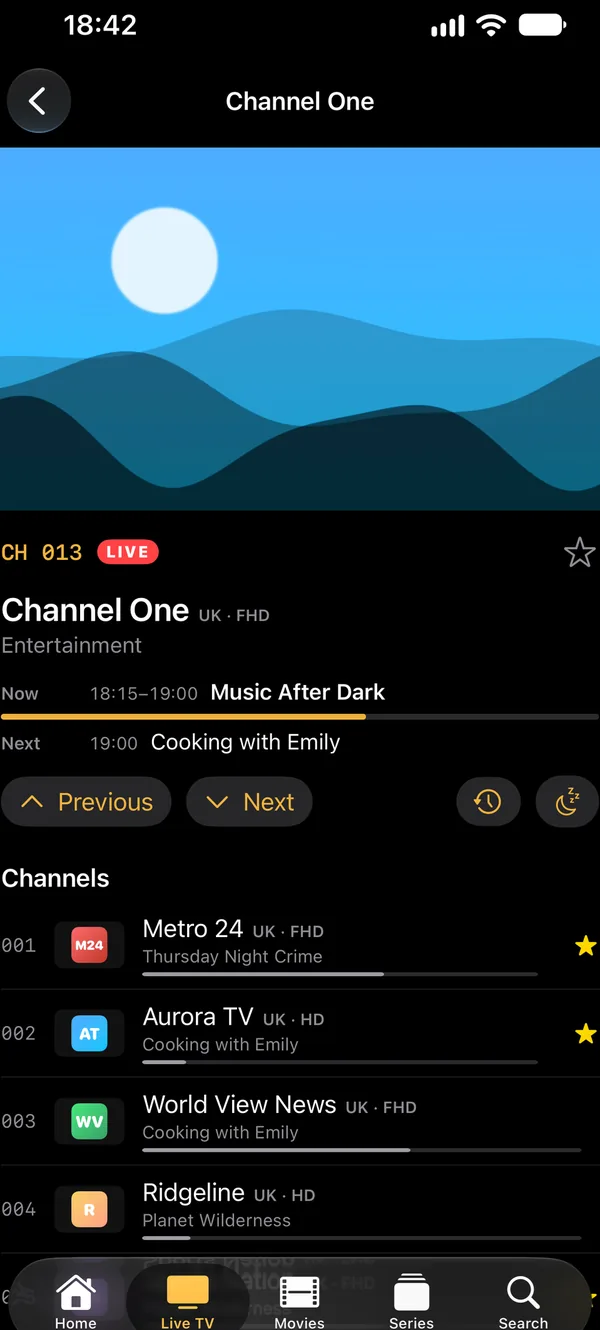
EPG: the TV guide in a grid
IPTVGenie reads your provider’s TV guide (EPG) or an XMLTV address of your own and shows it where you need it.
- “Now” and “Next” right in the channel list
- A guide grid across all channels, on Apple TV too
- Reminders before a show starts, also as a Live Activity on the Lock Screen
- “Tonight”: the evening’s picks on the home screen
Movies and series like a streaming library
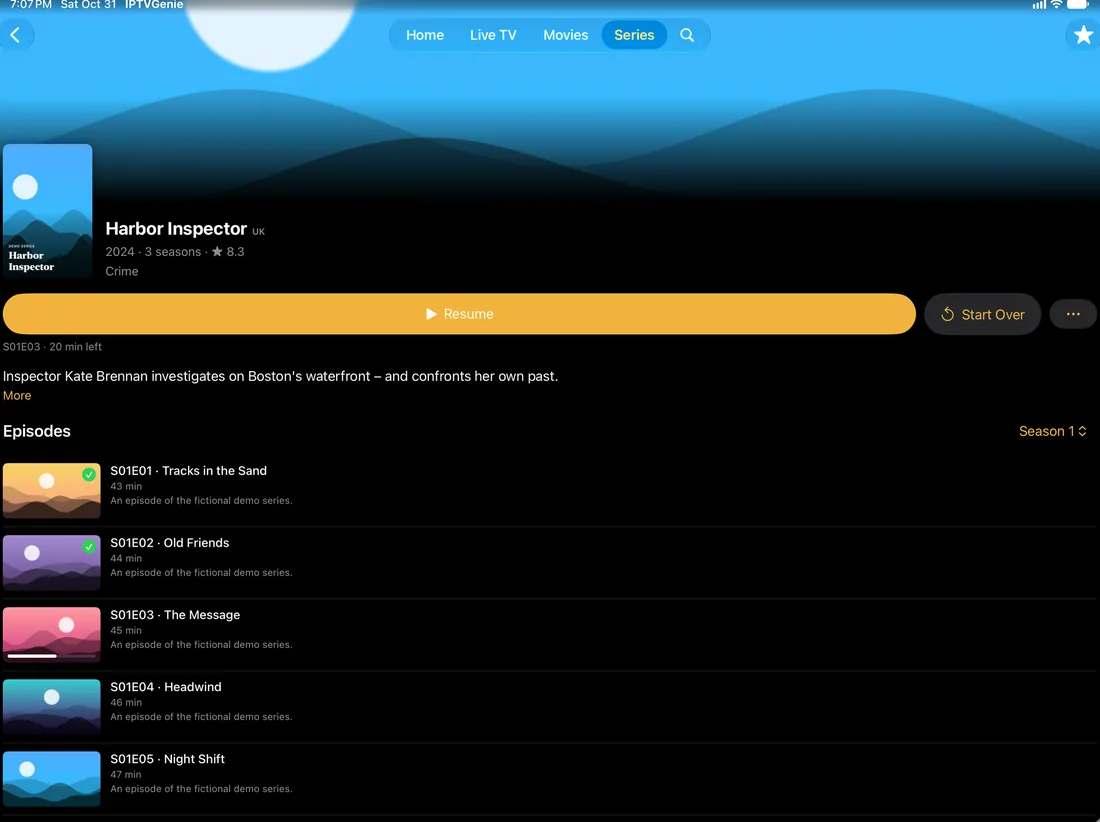
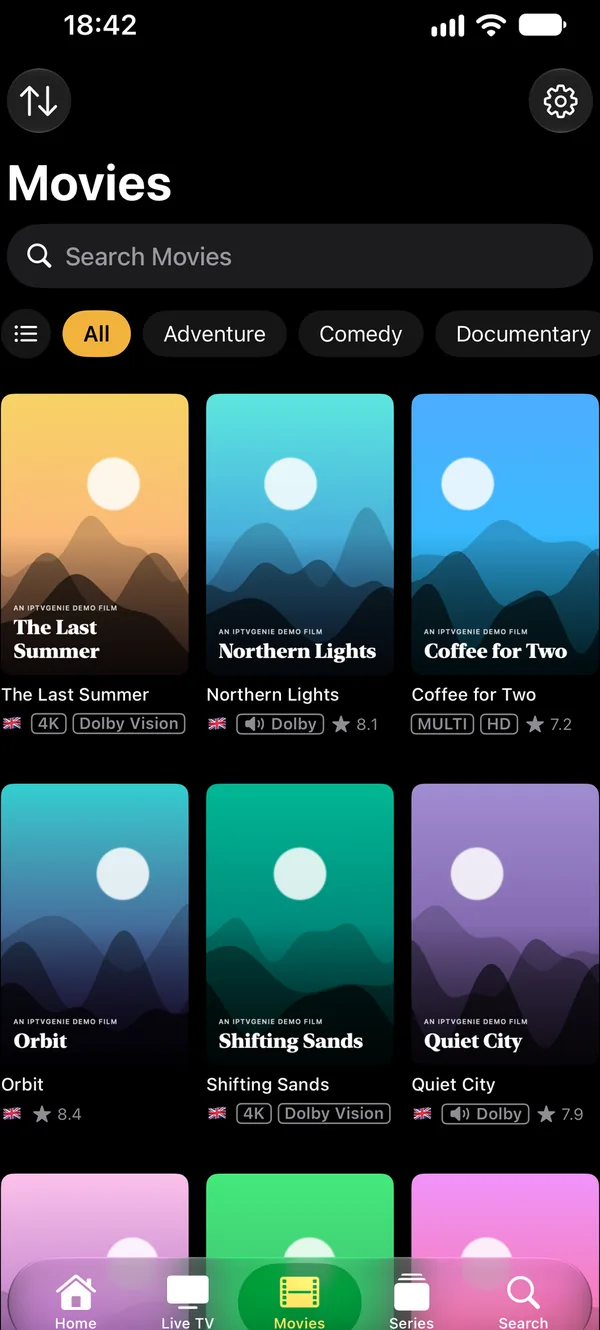
The movies and series (VOD) of your Xtream login, with posters, categories and descriptions, series by season.
- Continue Watching: pick up exactly where you stopped, on any device
- The next episode starts by itself if you like, and “New Episode” shows when a series goes on
- Tidy titles: provider codes become a flag, 4K, HDR, Dolby, rating and year
- Plays MKV and other formats too
No tracking, with parental controls
IPTVGenie collects no data. Your playlist, login and history stay on your devices and in your own iCloud storage.
- Up to six profiles with their own favorites and Continue Watching
- A kids profile shows only what parental controls allow and can only be left with the PIN
- Adult groups and channels behind a PIN, with Face ID or Touch ID if you like
And also
Live TV
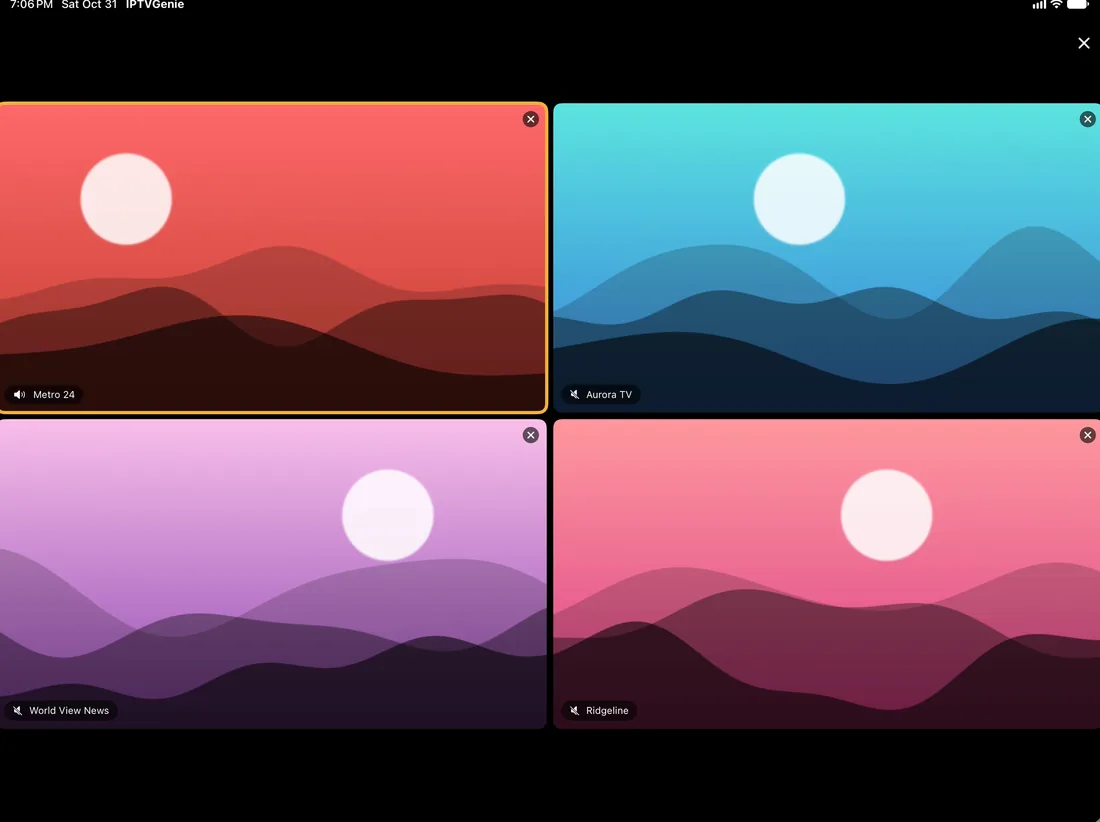
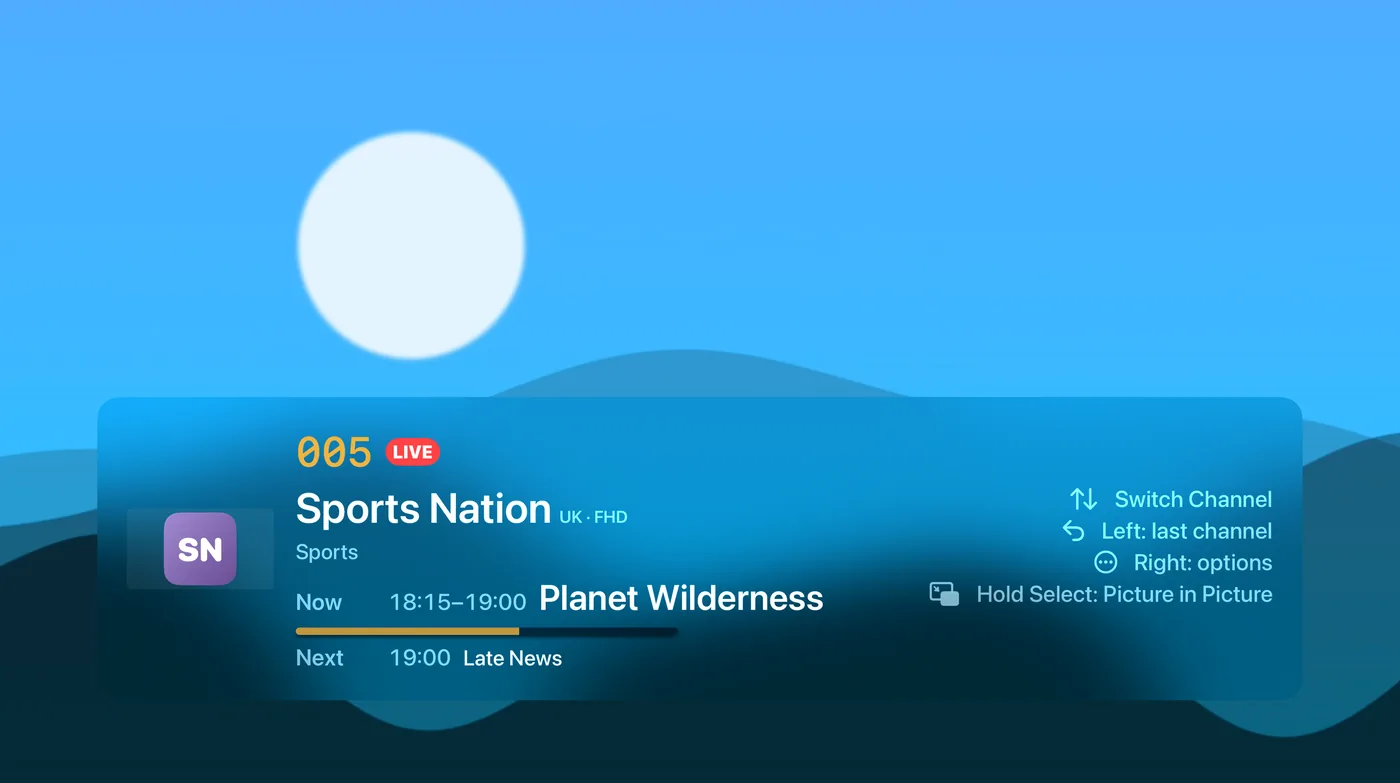
- Multiview with up to four channels
- Picture in Picture and a sleep timer
- Rewind and catch-up if your provider has an archive
- Fill Screen without black bars
On your devices
- Continue Watching and Channel Buttons widgets
- A Control Center button and Siri shortcuts
- Top Shelf on Apple TV
- The matching frame rate on Apple TV
For power users
- Apple or VLC player, your choice
- A custom User-Agent per playlist
- Several playlists, switched quickly
- Movie and series details with your own TMDB key
Kind to your subscription
- A warning before a second device takes your connection
- You decide how often the app checks in with your provider
- The TV guide loads in the background
Pricing
How much does IPTVGenie cost?
Try everything free for 30 days, with no subscription and no payment details; the trial ends by itself. Then choose one of three options. Each works on iPhone, iPad, Mac and Apple TV, and with Family Sharing for up to five family members.
Monthly
€0.99per monthCancel any month
Yearly
€4.99per yearAbout the price of five months of monthly
Lifetime
€9.99one timeYours for good, no subscription
Prices in the German App Store, VAT included. In other countries the App Store shows the price in your currency. Subscriptions renew automatically unless you cancel them in your Apple Account settings at least 24 hours before they end. If you downloaded IPTVGenie up to version 1.2, it stays free for you.
For your device, for your subscription
Frequently asked questions
Does IPTVGenie include channels, movies or series?
No. IPTVGenie is an IPTV player and contains no channels, movies or series of its own. It plays what your provider delivers: your own M3U playlist or Xtream Codes login from a provider whose content you are entitled to use. To try it out, the app includes a sample playlist of free-to-air channels from Germany.
Does IPTVGenie work with M3U and Xtream Codes?
Yes. IPTVGenie opens M3U and M3U8 playlists as a link or a file, and signs in to your provider with Xtream Codes details, meaning server, username and password. It reads the TV guide (EPG) in XMLTV format. With Xtream, live TV, movies and series appear separately; with M3U, everything becomes a channel list with groups.
Is there a TV guide (EPG)?
Yes. IPTVGenie shows the EPG of your provider or of an XMLTV address of your own: “Now” and “Next” in the channel list, a guide grid across all channels and reminders before a show starts, on iPhone also as a Live Activity. If the guide does not match, assign it to a channel by hand or fix the time offset.
How do I get my playlist onto Apple TV?
The easiest way is iCloud: add the playlist on your iPhone and shortly after it is on your Apple TV too, with favorites and history. Without iCloud, choose “Add Playlist” on the Apple TV; it then shows a QR code that you scan with your iPhone. Typing it with the remote works as well.
How much does IPTVGenie cost?
Try everything free for 30 days, with no subscription and no payment details. After that, IPTVGenie costs €0.99 a month, €4.99 a year or €9.99 once for life in the German App Store; other stores show local prices. One purchase works on iPhone, iPad, Mac and Apple TV, and with Family Sharing.
Does IPTVGenie collect data or show ads?
No. IPTVGenie has no tracking, no analytics and no ads, and there is no account with us. Your playlist, login, favorites and history stay on your devices and in your own iCloud storage, which we cannot access. The app only connects to your provider and, if you switch it on, to TMDB for movie details.